

It is best to set the monitoring frequency before implementing any auto
right-sizing recommendations.
-
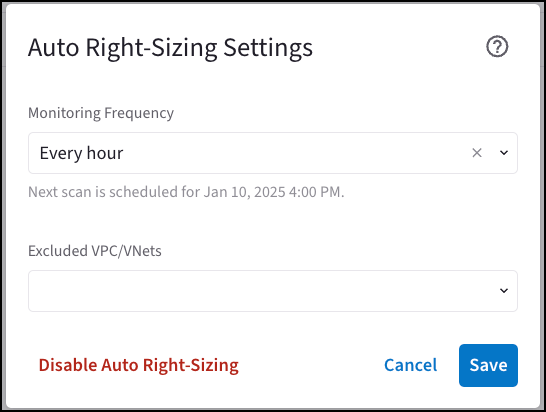
On the Cloud Fabric > Scaling > Auto Right-Sizing tab, click Settings.
The Auto Right-Sizing Settings dialog displays.
-
Select the Monitoring Frequency:
- Every 24 hours
- Every 12 hours
- Every hour
- Select the VPC/VNets to exclude from the monitoring scan.
- Click Save.
To include VPC/VNets in the monitoring scan again, open the Auto Right-Sizing
Settings dialog, remove the VPC/VNets from the Excluded VPC/VNets field, and
click Save.