Admin Users and Duo Sign in
Objectives
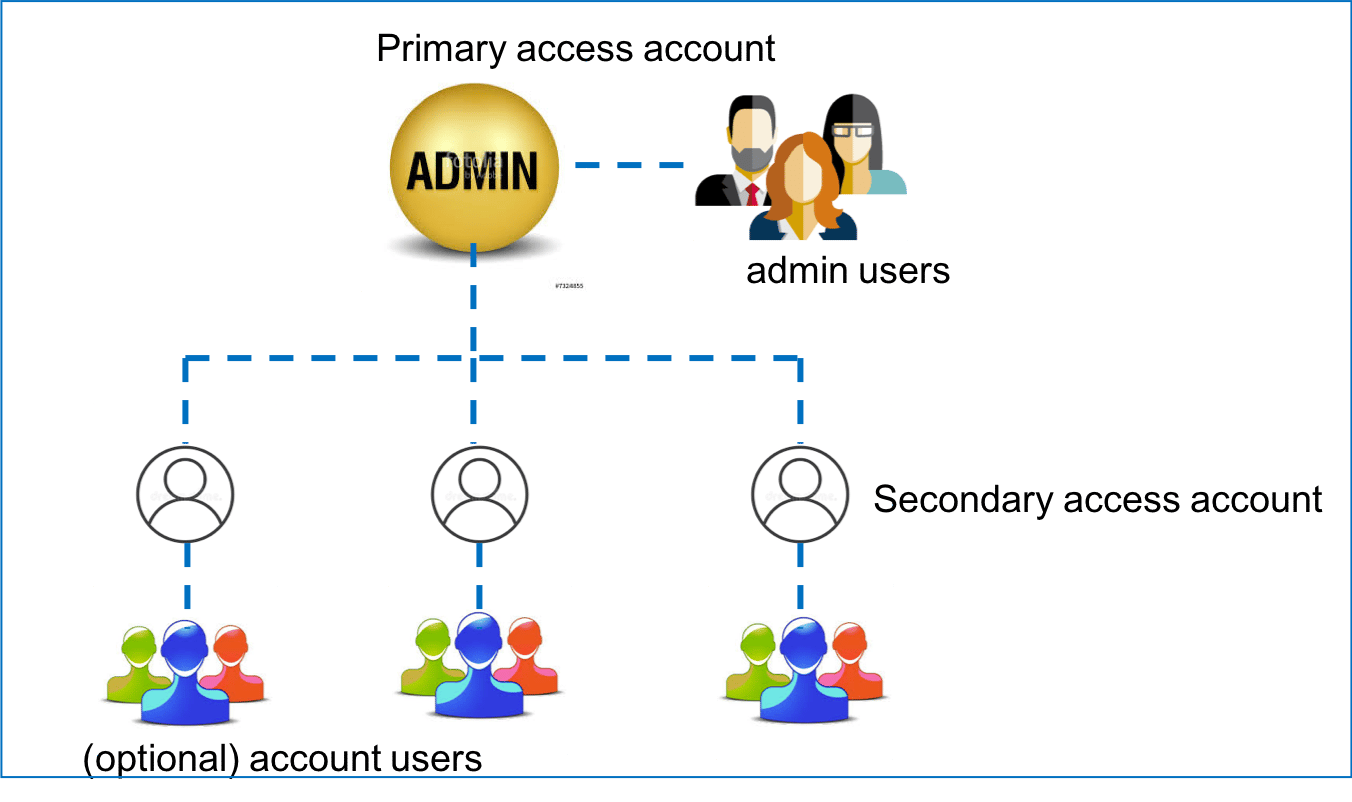
This document describes a reference design using the Aviatrix Controller console’s user management and Duo authentication capability to manage multiple users with admin privileges. As the cloud Ops team continues to expand to manage more cloud deployments, each team member often needs their own username and password with admin privilege. In addition to a username and password for login credentials, a 2FA authentication can be added for enhanced security to manage cloud Controller. Duo authentication is one of the supported methods. When enabled, it requires the user to accept a push message on the user’s mobile device from Duo service in addition to username and password at the user login time. The following diagram illustrates the user relationship in a typical cloud Ops department. In this example, the Ops team has created three secondary access accounts. An access account is associated with one or more distinct cloud provider’s API credentials. Typically, a cloud account corresponds to an IAM account of a distinct AWS and/or Azure account with a credit card. A default user “admin” is created by the system. In the picture below, admin has created three secondary access accounts. Additional users in admin and access account are added by the admin or admin users.