On the Egress > Protected VPC/VNets tab, you monitor onboarded VPC/VNets to
apply egress and monitor the traffic of these VPC/VNets to the Internet.To monitor VPC/VNets:
On the Security > Egress > Protected VPC/VNets tab, click Monitor next to
the onboarded VPC/VNet you want to monitor.
In the Monitor VPC/VNet dialog, click Monitor. The status changes to
Monitored for this VPC/VNet on the Protected VPC/VNets tab.
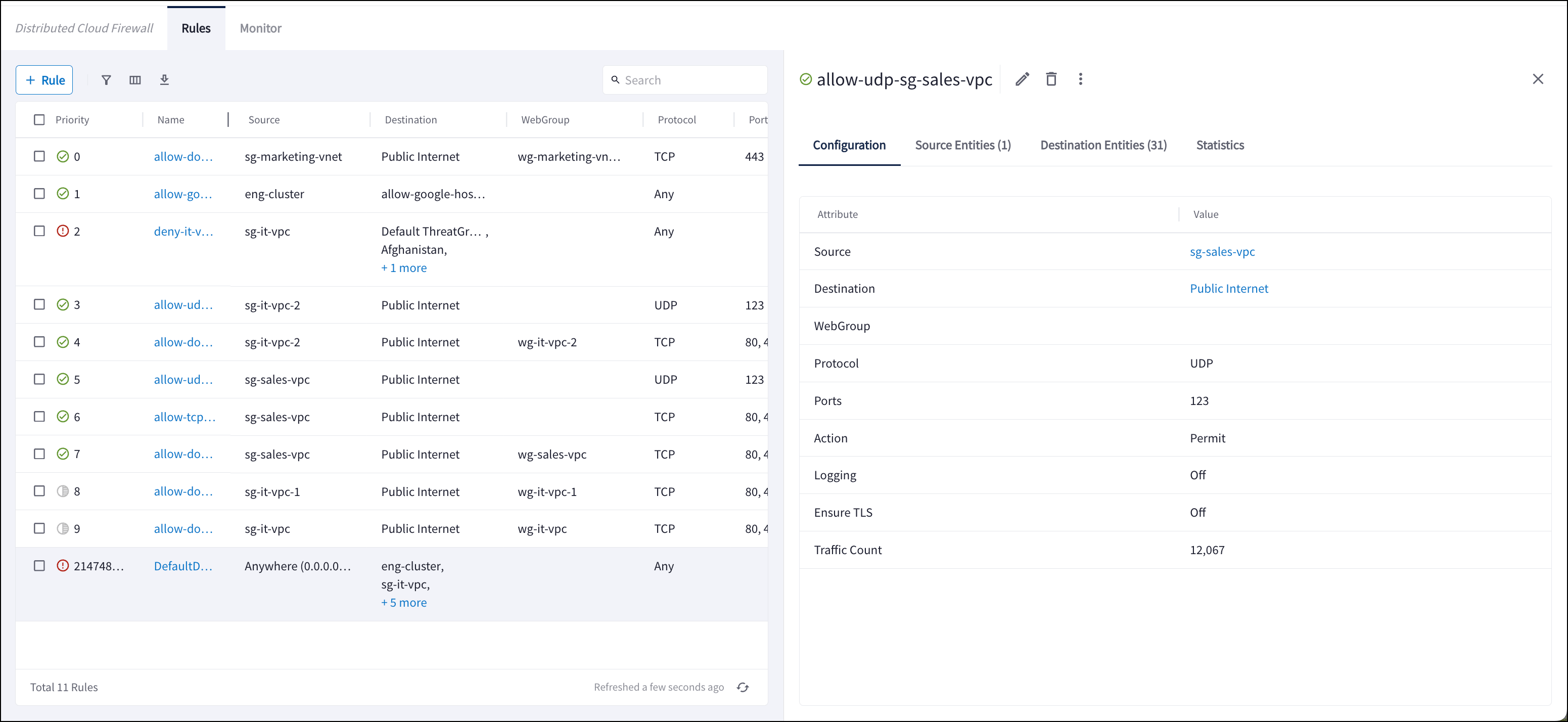
The VPC/VNet now has egress enabled (Default Route modified; Source NAT enabled)
and is added to the Monitored VPC/VNets Rule on the Distributed Cloud Firewall >
Rules tab. The Monitored VPC/Vnets Rule monitors VPC/VNets sending traffic to
the Internet.
The VPC/VNet is also added to the Monitored-VPCs SmartGroup.A timestamp is displayed next to the VPC/VNet to indicate how long it has been
monitored.