

ExternalGroups built from the Threat Feeds and Countries feeds are maintained
by Aviatrix and update automatically (roughly daily). You do not need to
download or paste IP lists by hand to keep them current.
These are generalized guidelines only. Reach out to Aviatrix
Support for assistance with this migration.
Upgrading ThreatIQ to Threat Feed ExternalGroups
ThreatIQ is located at Security > ThreatIQ. In DCF, threat protection is delivered through the Default ThreatGroup, an ExternalGroup fed by the Aviatrix Threat Feed. The feed updates automatically (roughly daily) and already covers the majority of malicious IPs that ThreatIQ previously matched, so you do not need to recreate that list manually.Currently there is no Custom ThreatGroup creation.
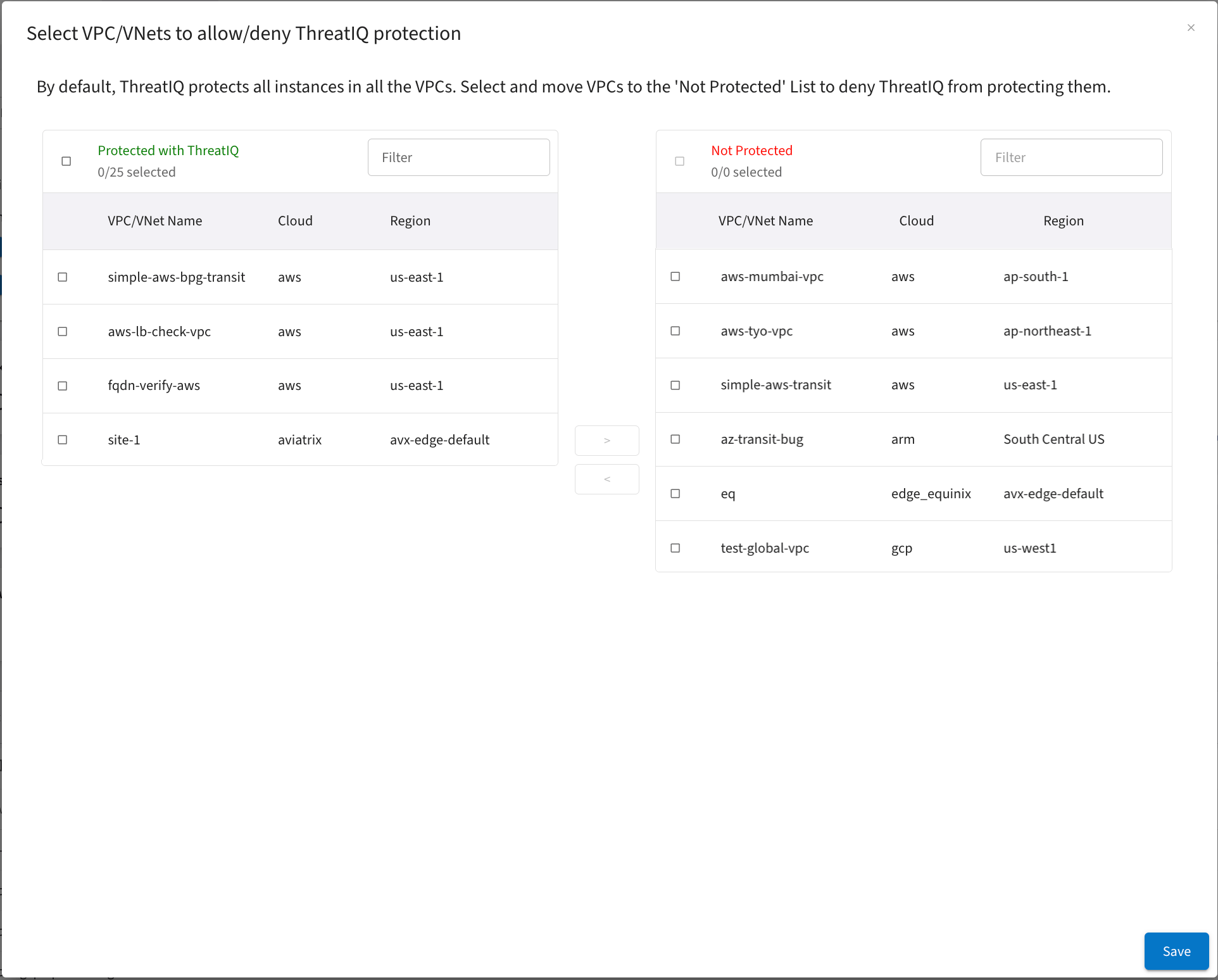
- Any VPC/VNets that are not currently protected on the ThreatIQ > Configure Exclusion List for VPCs page should have a SmartGroup configured that excludes those VPC/VNets from threat analysis.
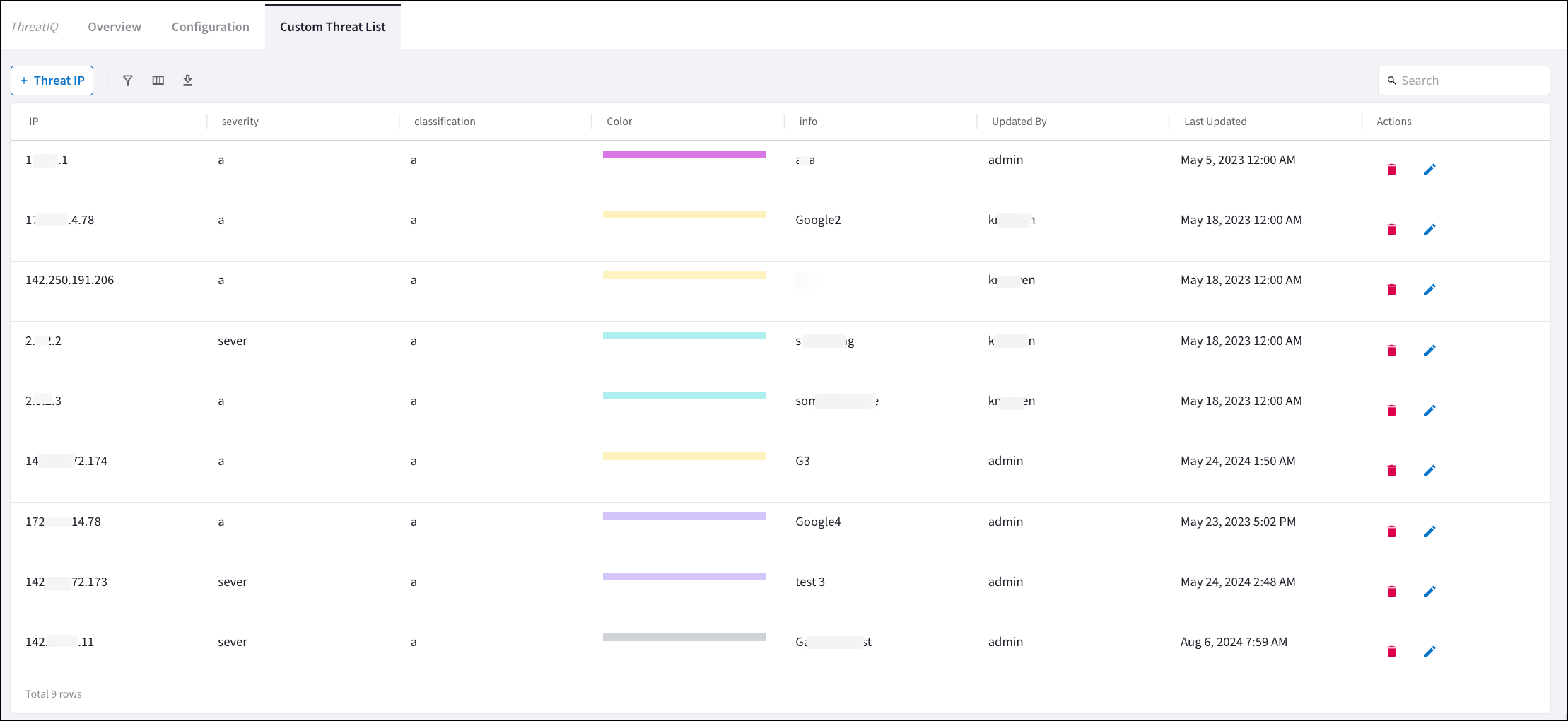
- For any custom threats you have configured on the ThreatIQ > Custom Threat list, create a SmartGroup named Custom Threat List that contains those threat IPs. Use this SmartGroup alongside the Default ThreatGroup so DCF rules cover both the Aviatrix-managed threat feed and your custom additions.
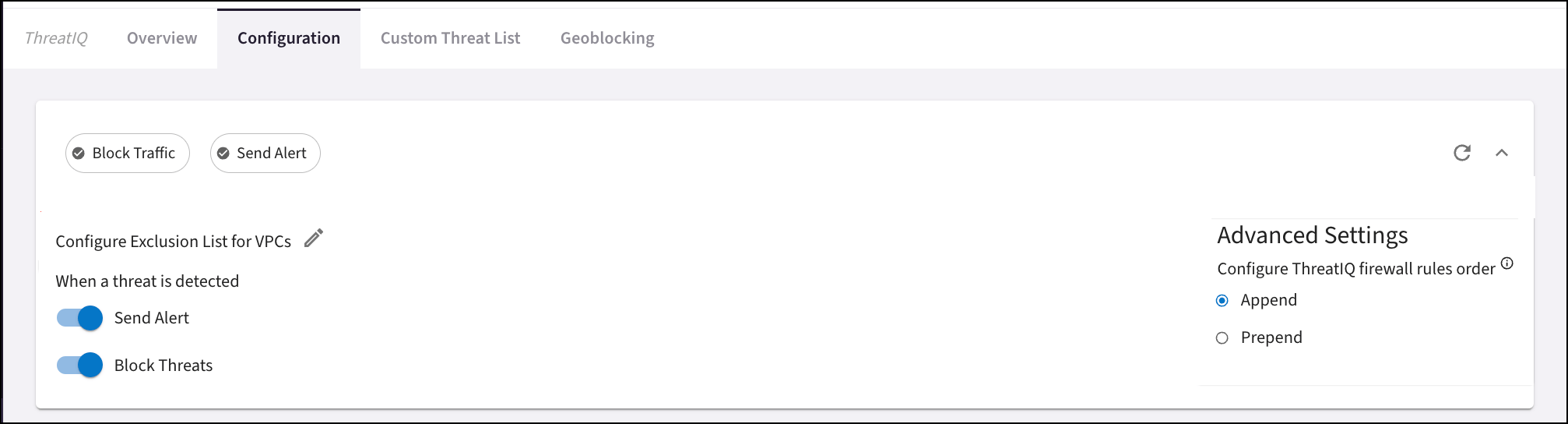
- Check if ThreatIQ > Advanced Settings is set to Append or Prepend. This determines where new ThreatIQ firewall rules were added. When you create your threat-based DCF rules, Aviatrix recommends that these be at the top of the set of rules.
Upgrading Geoblocking to Country ExternalGroups
With ExternalGroups > Countries, you have the choice to block specific IPs to and from a country. In DCF, Geoblocking is delivered through Country ExternalGroups built from the Aviatrix-managed Countries feed. Aviatrix keeps the per-country IP membership up to date (the feed refreshes roughly daily), so you do not need to download or maintain country IP lists yourself. Recreate your blocked-country selection by creating an ExternalGroup of type Countries rather than building a SmartGroup from a downloaded IP list.-
Note the countries you have blocked on the Security > ThreatIQ > Geoblocking
tab.
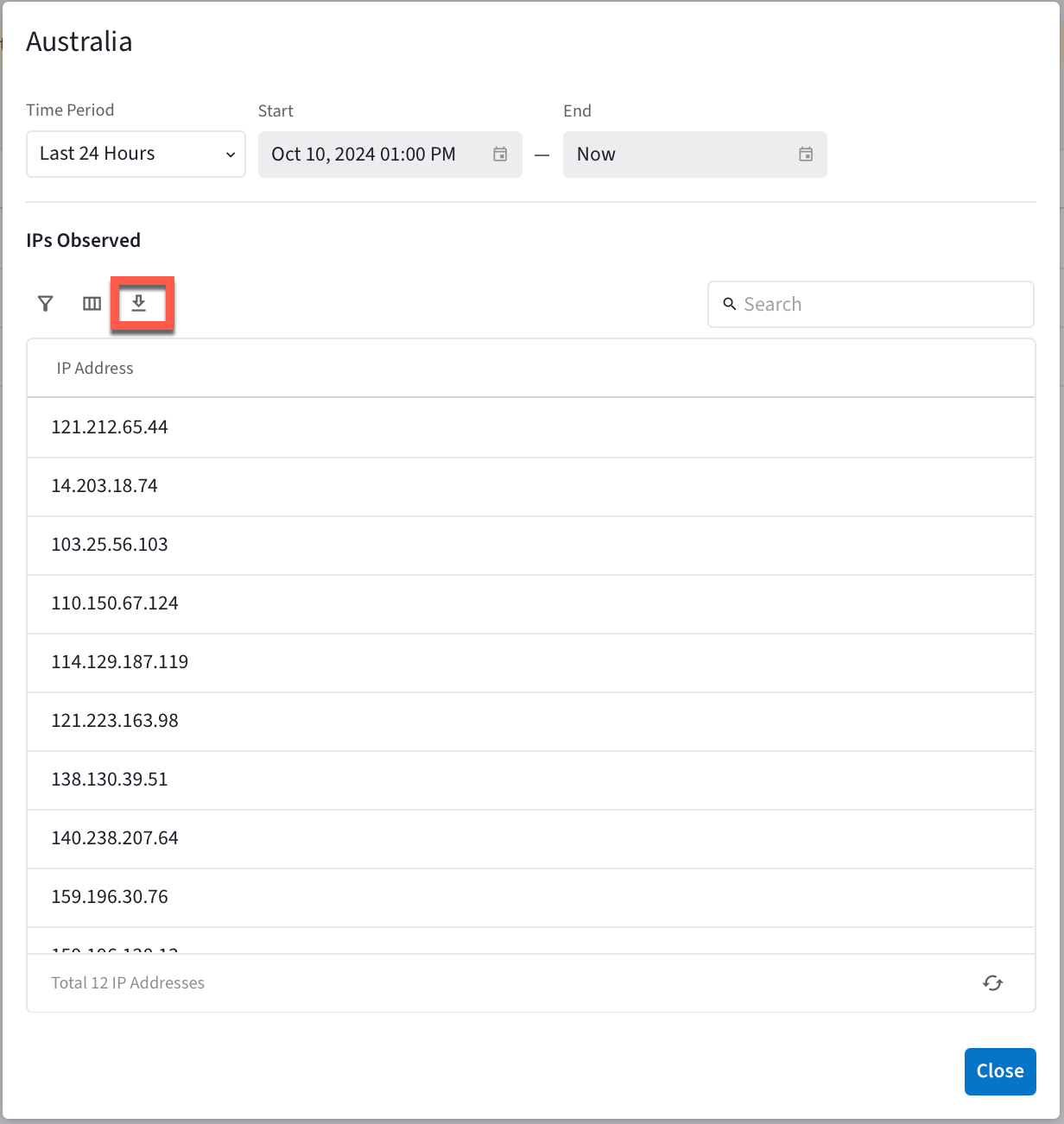
- Create a Country ExternalGroup that selects the same countries. The ExternalGroup is fed automatically by the Aviatrix Countries feed, so the IP membership stays current without manual updates.
Creating DCF Rules
Create DCF rules that encompass the threat and Country information above.If ThreatIQ did not have any exception VPCs, ignore Rules 1 and 2.If you configured the Custom Threat List in ThreatIQ, add the Custom Threat List
SmartGroup created above to Rule 3 as a Source, and to Rule 4 as a Destination.
Create these geo-based (Country ExternalGroups) DCF rules: