

Enable the DCF feature to avail the ExternalGroups.
You cannot have an ExternalGroup as both a source and a destination in a DCF rule.If the same public CIDR is present in a VPC/VNet and in an ExternalGroup, and
the DCF rule containing this ExternalGroup is blocking traffic, the
inter-VPC/VNet traffic that uses this public CIDR may get blocked as well.
SaaS-Based Services
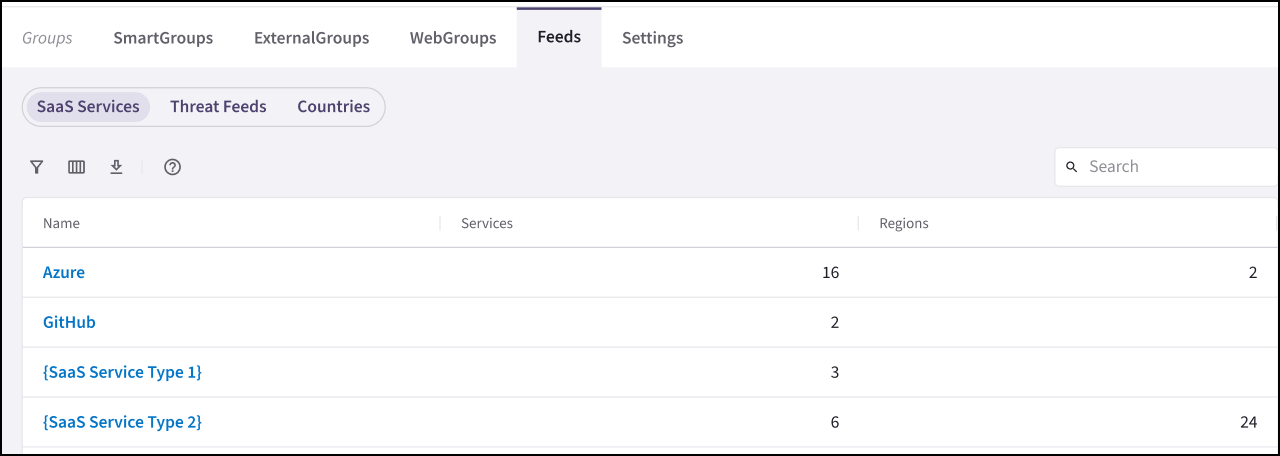
The SaaS-based service feeds provide regularly updated IP address information categorized by service and region. This data can be used to create ExternalGroups on the Groups > ExternalGroups tab, enabling precise traffic filtering in Distributed Cloud Firewall (DCF) rules.- Azure Services: IP addresses of Microsoft Azure services categorized by Service and Region. For more information see https://www.microsoft.com/en-us/download/details.aspx?id=56519.
- GitHub Services: IP addresses of GitHub services categorized by service. For more information see https://docs.github.com/en/rest/meta?apiVersion=2022-11-28.
The Azure and GitHub services are only available with Controller version
7.2.4496 and higher.
Threat Feeds
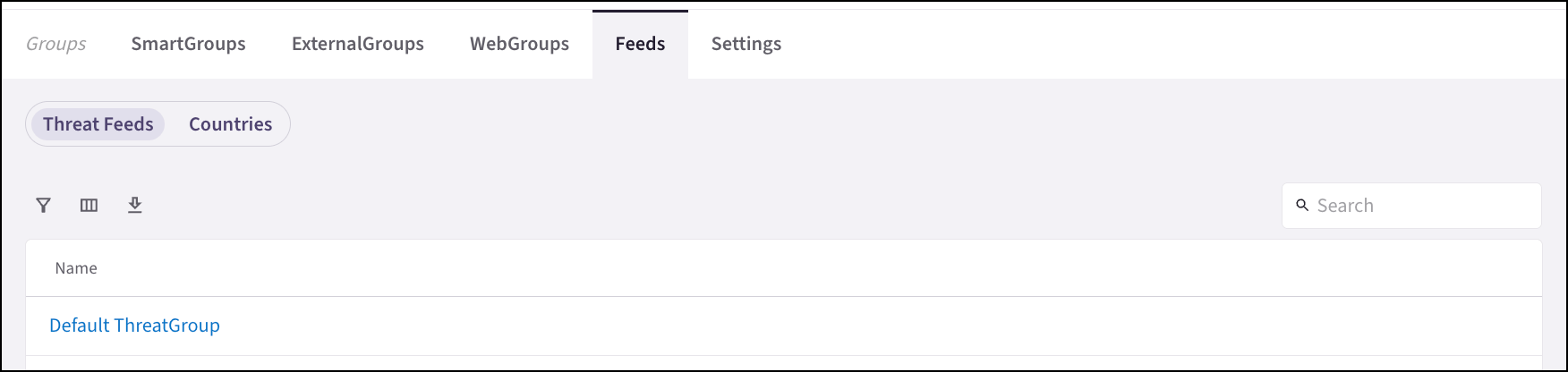
The Groups > Feeds tab includes threat intelligence feeds that provide regularly updated information about malicious IP addresses, source types, and countries.If the Distributed Cloud Firewall (DCF) feature is disabled, the Threat Feeds
are not available.
Countries
The Groups > Feeds > Countries sub-tab displays pre-populated countries. Click on the name of a country to show its details and rule references.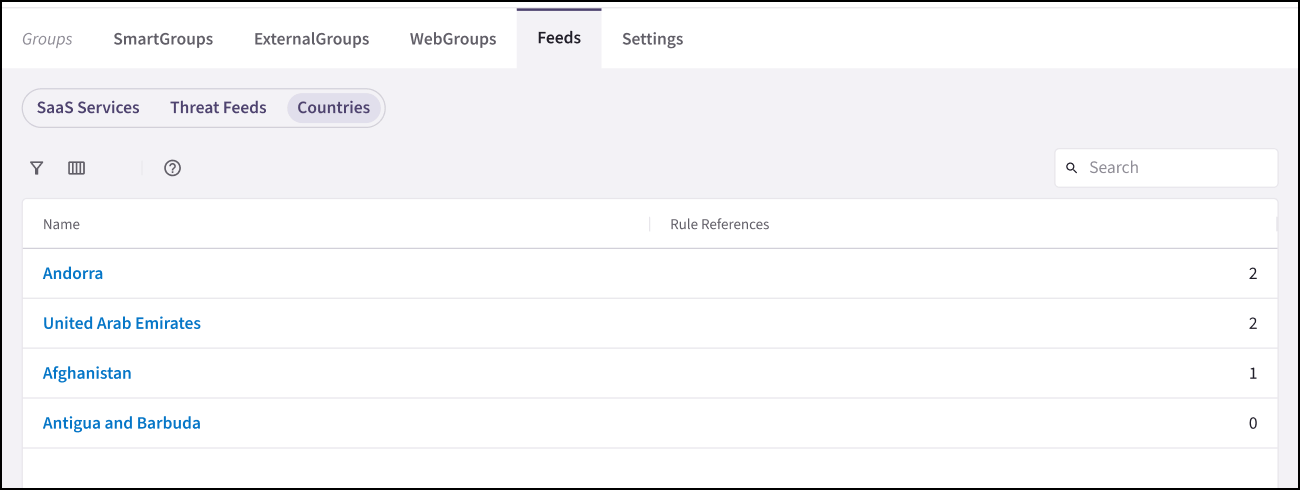
Related Topics
- Creating an ExternalGroup
- Creating a WebGroup
- Cloning a Group
- Editing a Group
- Deleting a Group