

- The default route on the VPC/VNet changes to point to the Spoke Gateway.
- SNAT is enabled.
- VPC (AWS): t3.medium
- VNet (Azure): Standard_B2ms
Controller 8.0 and the enablement of the DCF feature are required to enable
Local Egress as described below. If neither of these is present, you click the
Local Egress on VPC/VNets button on the Egress VPC/VNets tab and then select
the VPC/VNets.
- Ensure that you have deployed a Spoke gateway in the VPC/VNet that you want to enable Local Egress on. If you have not done this, see Deploying a Spoke Gateway in a VPC/VNet for Secure Egress.
-
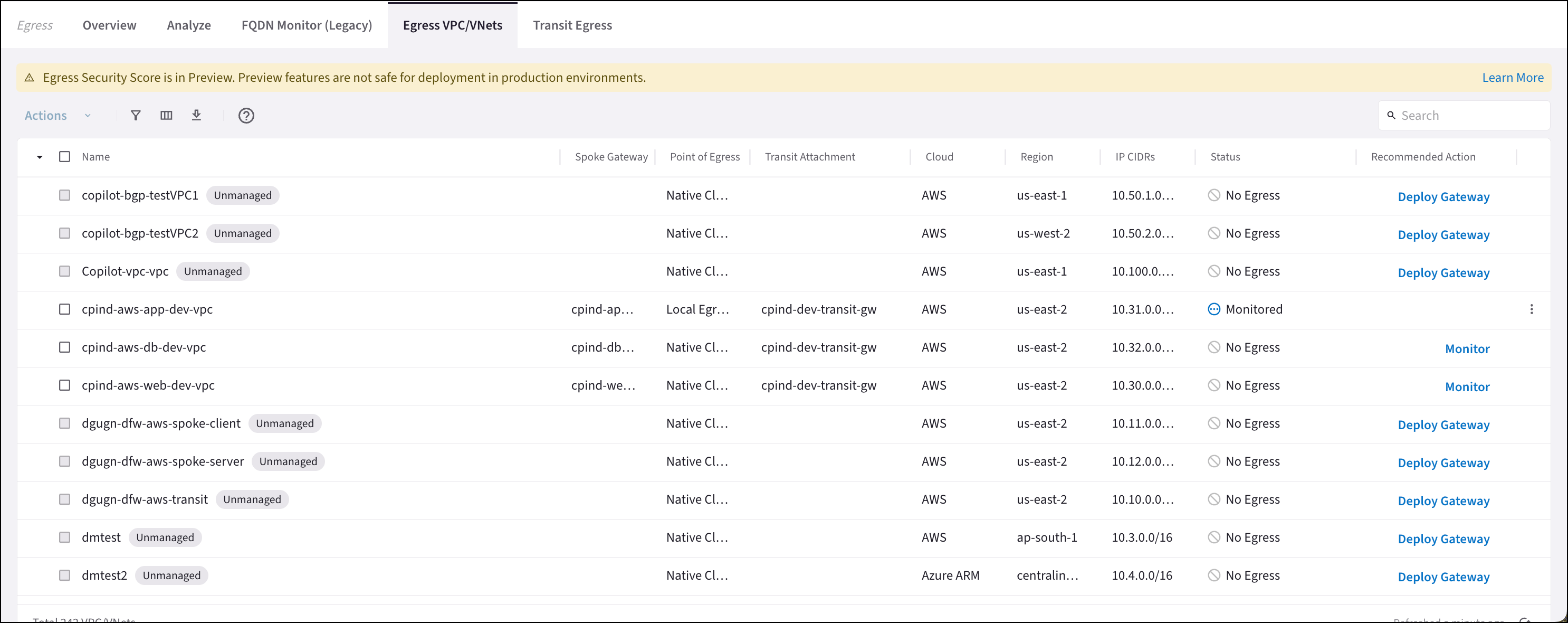
On the Security > Egress > Egress VPC/VNets tab, do one of the following:
- Select one or more VPC/VNets and then select Enable Local Egress from the Actions menu.
- Click the vertical ellipsis next to a VPC/VNet and select Enable Local Egress.
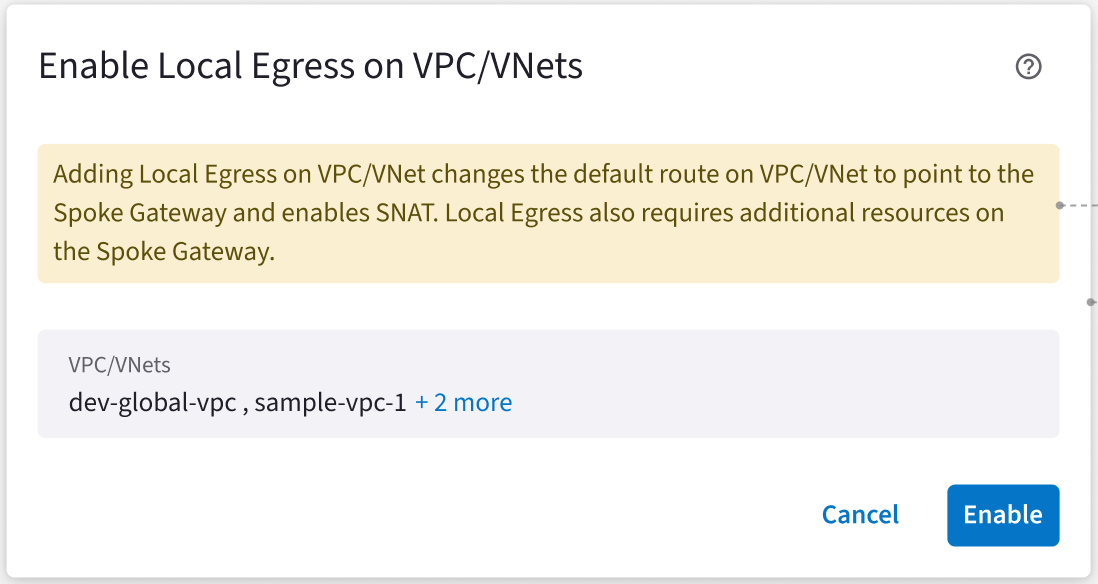
- Click Enable to acknowledge that enabling local egress changes the default route and enables SNAT.
If you select a VPC/VNet that is part of a Transit Egress, enabling Local Egress
overrides the Transit Egress. You cannot enable egress on Global VPCs because
SNAT is not currently supported for Global VPCs.
Disabling Local Egress
The following occurs when you disable Local Egress:- SNAT is disabled
- Default route is reset to Transit Egress (if the Spoke gateway is attached to a Transit FireNet that has Egress enabled) or Native Cloud Egress
- VPC/VNets are removed from Monitored and Protected SmartGroups
- (in Controller 8.0) The status of the VPC/VNet changes back to No Egress after the hourly reconciliation of the Egress status
-
On the Security > Egress > Egress VPC/VNets tab, do one of the following:
- Select one or more VPC/VNets and then select Disable Local Egress from the Actions menu.
- Click the vertical ellipsis next to a VPC/VNet and select Disable Local Egress.
- In the Disable Egress on VPC/VNet dialog, select the I understand that <vpc/vnet name> may no longer be able to reach the Internet checkbox.
- Click Disable.