- Overview
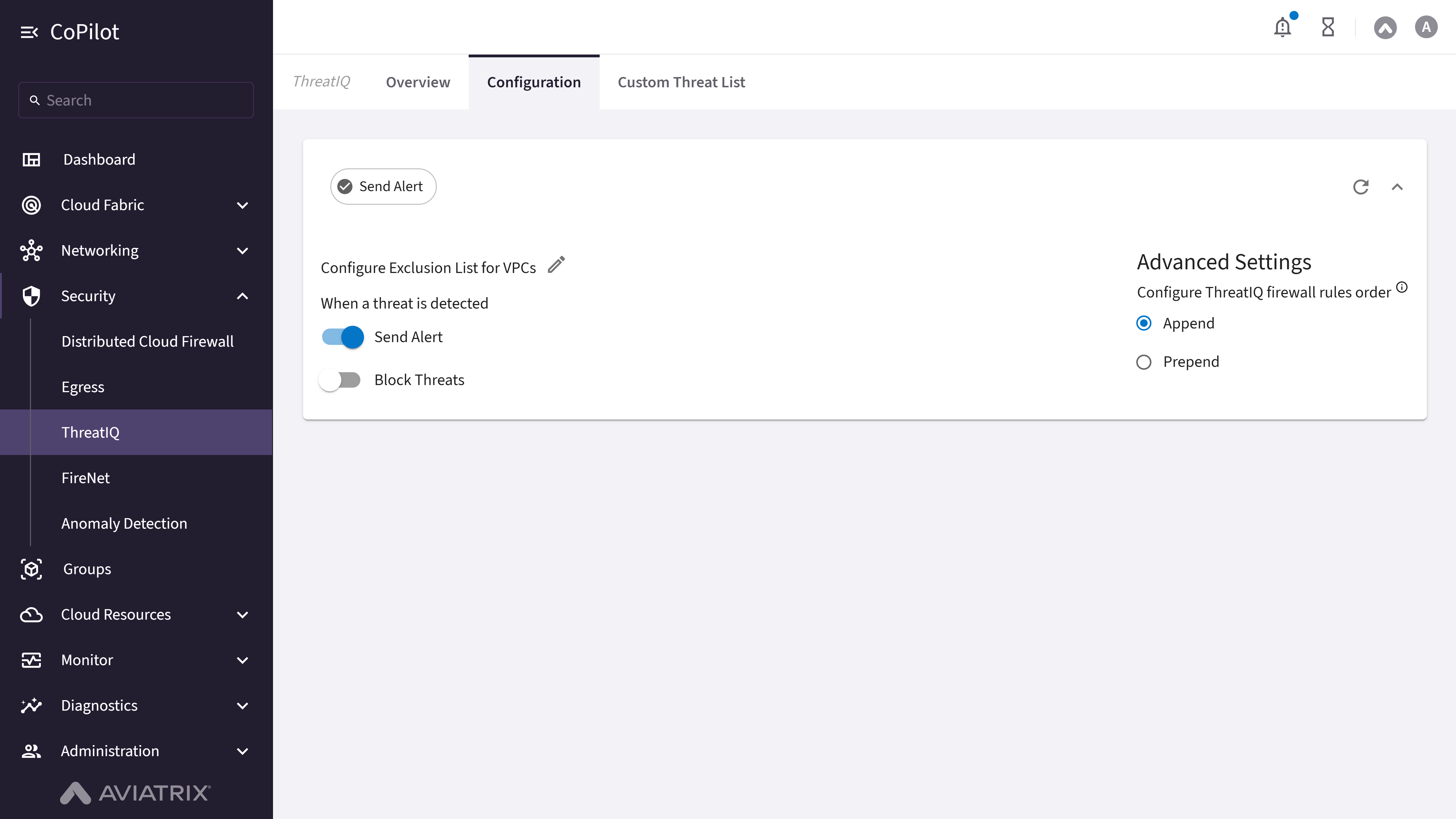
- Configuration
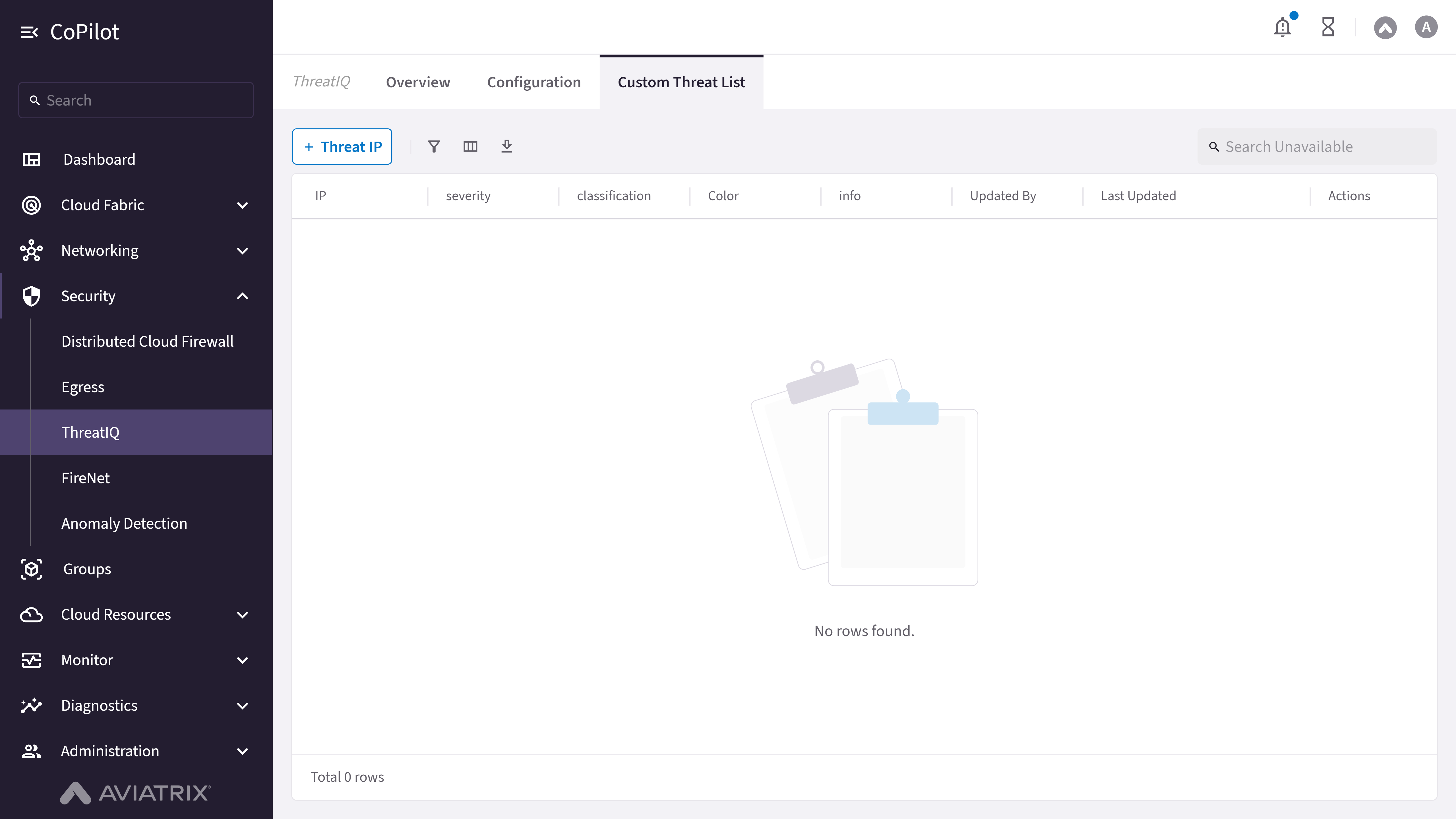
- Custom Threat List
Purpose
The Overview page provides visibility into real-time threat detection and remediation across multicloud environments using Aviatrix ThreatIQ.Elements
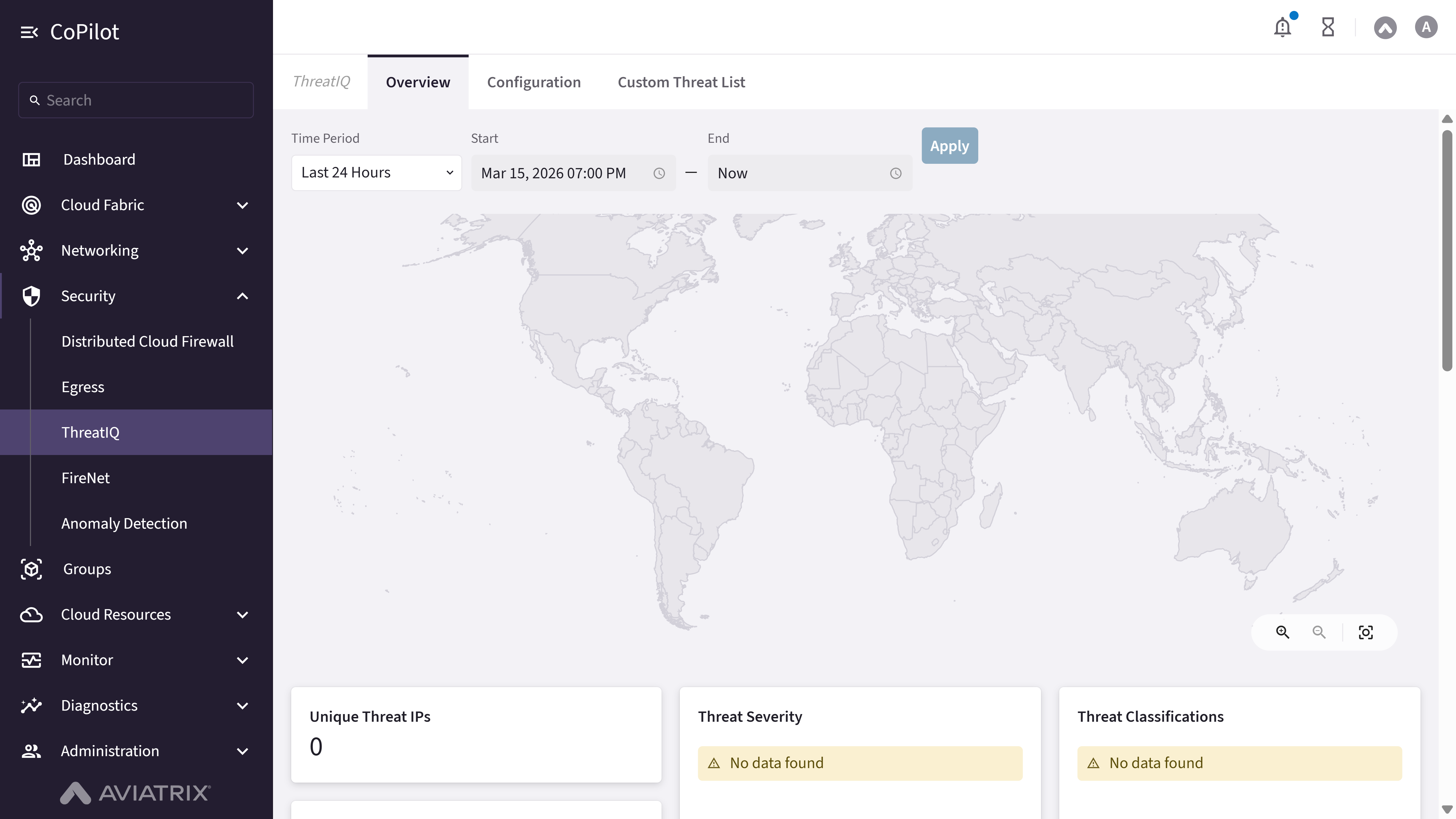
- Threat Summary Panel: Displays detected threats, severity, and impacted resources. * Topology View: Visualizes threat location and affected gateways. * Flow Data Panel: Shows traffic flows triggering alerts. * ThreatGuard Status: Indicates if automated remediation is active.
Actions
View ThreatIQ Overview
View ThreatIQ Overview
To view ThreatIQ threat detection and status:
- Go to Security > ThreatIQ > Overview.
- The Overview page appears with the Threat Summary Panel showing detected threats, severity, and impacted resources.
- Review Topology View to visualize threat location and affected gateways.
- Use Flow Data Panel to inspect traffic flows triggering alerts.
- Check ThreatGuard Status for automated remediation (drop rules) status.