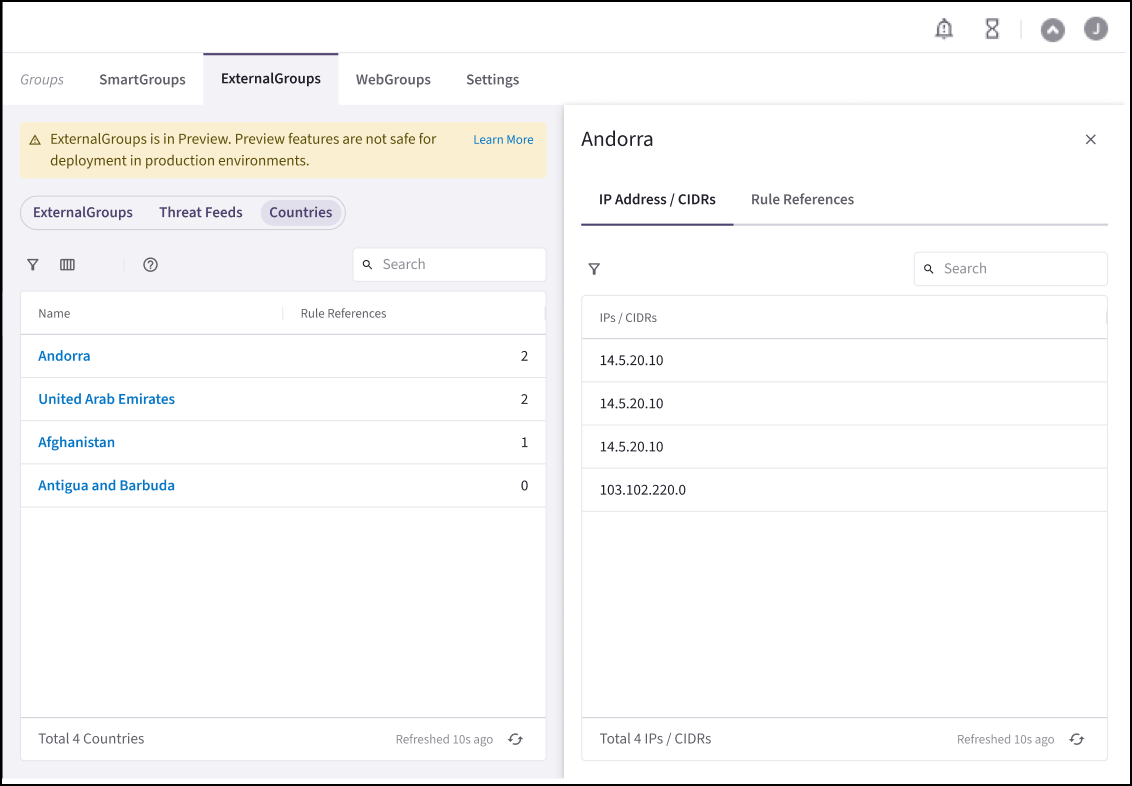
- In Aviatrix PaaS, go to Groups > ExternalGroups. Ensure that you have the ExternalGroups page selected.
- Click + ExternalGroup.
- In the Create ExternalGroup dialog, provide the following information about your ExternalGroup:
- Click Save. The new ExternalGroup is now in the ExternalGroups list.
View ExternalGroup Details
On the ExternalGroups tab, click one of the sub-categories (ExternalGroups, Threat Feeds, Countries) and then an item in the list to see its details.Viewing SaaS-Based Details
Click the name of the SaaS service in the list to view its resource criteria in the left pane (Service and Region for Azure, and Service for GitHub).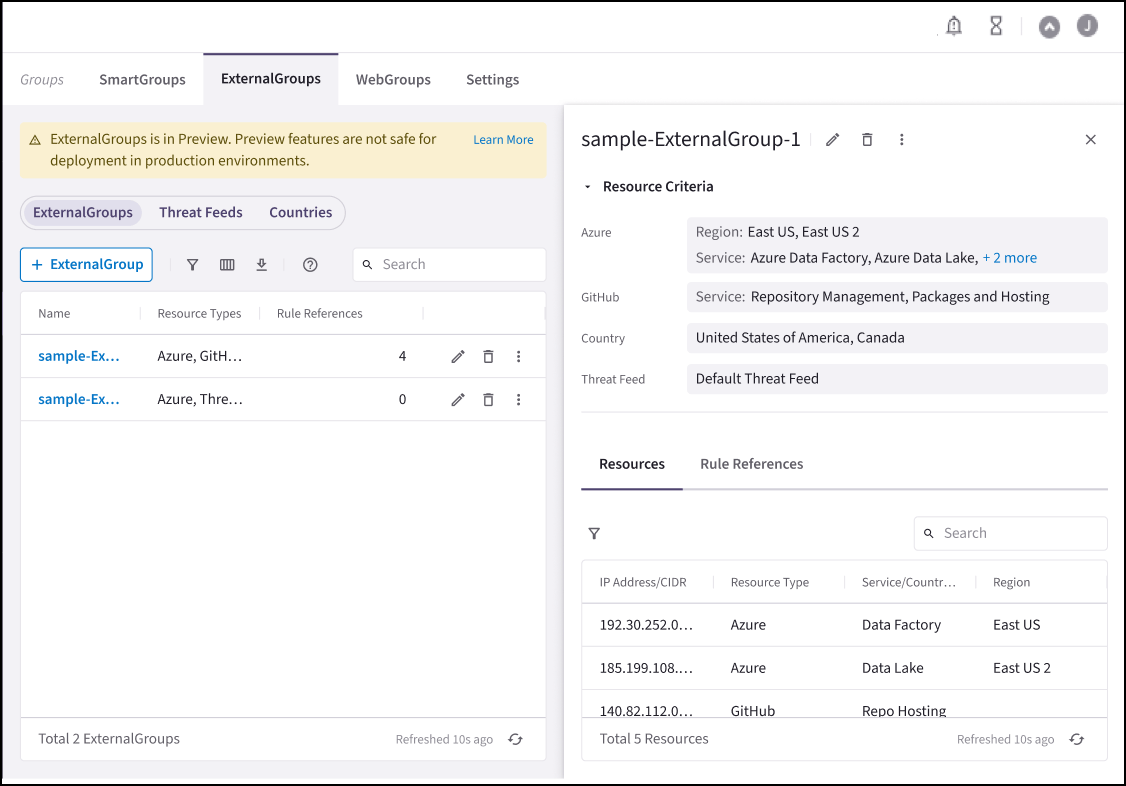
View Threat Feed Details
Click the Default ThreatGroup name in the list to view its IPs/CIDRs in the right-hand pane.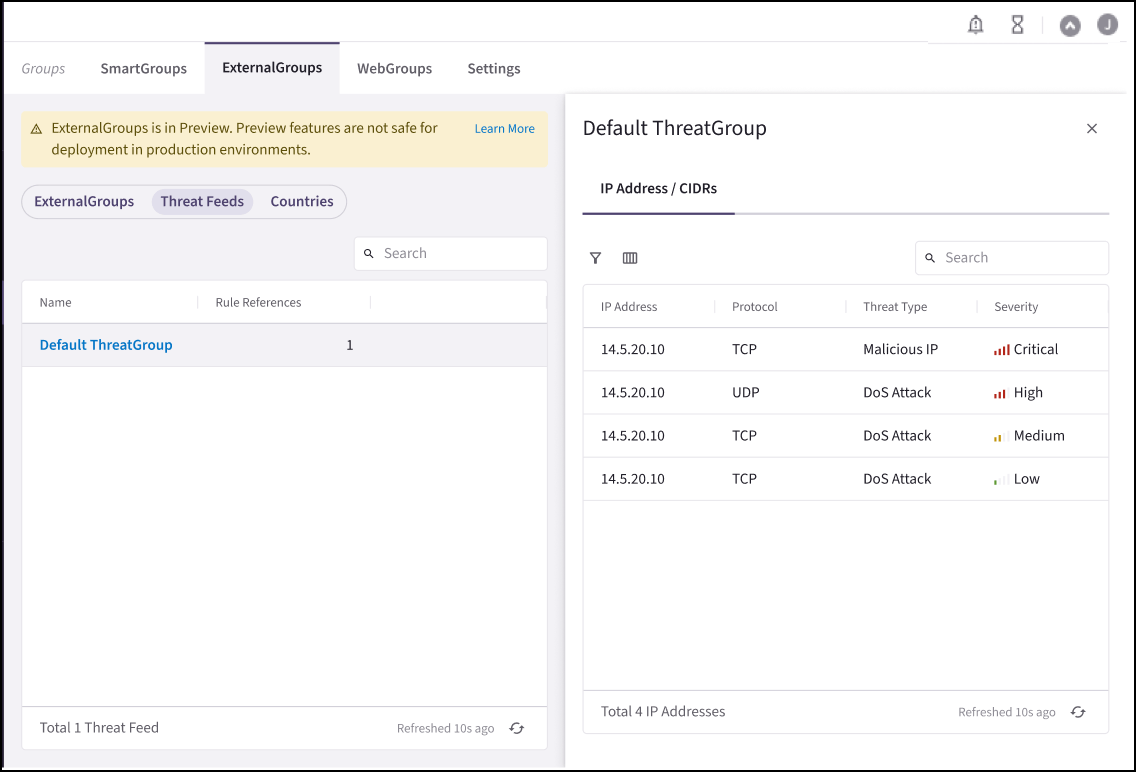
View Country Details
Click a Country name to view its IPs/CIDRs and Rule References in the right-hand pane.