

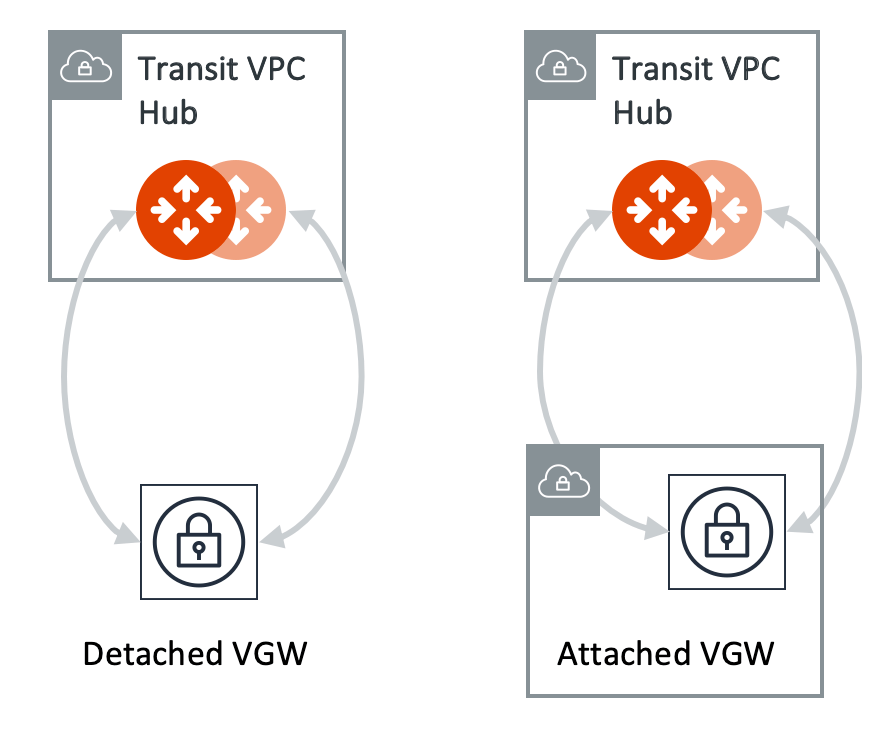
The VGW should not be attached to the Transit VPC or VNet.The VGW can be attached to a VPC or VNet in a different AWS account in a
different region.
Connecting Transit Gateway to AWS VGW
This document describes the workflow to connect an Aviatrix Transit Gateway to an AWS Virtual Private Gateway (VGW). The procedure below assumes the AWS VGW is already deployed in the Transit VPC.- CoPilot UI
- Terraform
To connect the Transit Gateway to AWS VGW (VPN Gateway):
- In Aviatrix CoPilot, go to Networking > Connectivity > External Connections (S2C) tab.
- From the + External Connection dropdown menu, select AWS Virtual Gateway.
-
Enter the following values:
- Click Save.
Checking Route Propagation
You can check if routes are properly propagated.- Go to Diagnostics > Cloud Routes > BGP Info.
- In the table, next to the name of the Transit Gateway used in the above external connection.
- Click the vertical ellipsis
 and select
Show BGP Learned Routes to display the total number and list of routes
propagated from the VGW.
and select
Show BGP Learned Routes to display the total number and list of routes
propagated from the VGW.