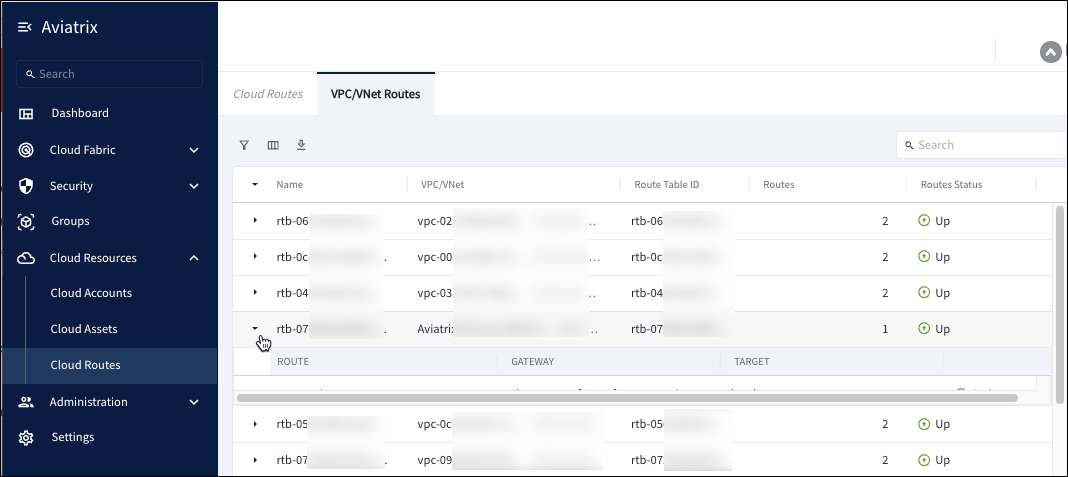
- Go to Cloud Resources > Cloud Routes > VPC/VNet Routes.
- In the table, you can view the following information about route tables:
- Click the accordion icon in any row to expand the sub-row and view the following details about a specific route table:
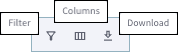
- You can filter the table, show or hide columns, and download the route table data in CSV or XLSX format by using the icons above the table.