Check External Connection (S2C) Connection Status
In CoPilot, go to Networking > Connectivity > External Connections (S2C). Check if there is a green or red dot next to the name of the external connection. You can also check external connection status from Diagnostics > Cloud Routes > External Connections (look at the Status and Tunnel Status columns). If the Tunnel Status is down, you can perform the following procedure.Perform the Analysis Diagnostics Action
- Go to Diagnostics > Diagnostic Tools > Connectivity Diagnostics.
- Select the Gateway Instance and the related Connection.
- Select Analysis in the Tools list and click Run. The screen will display analysis results.
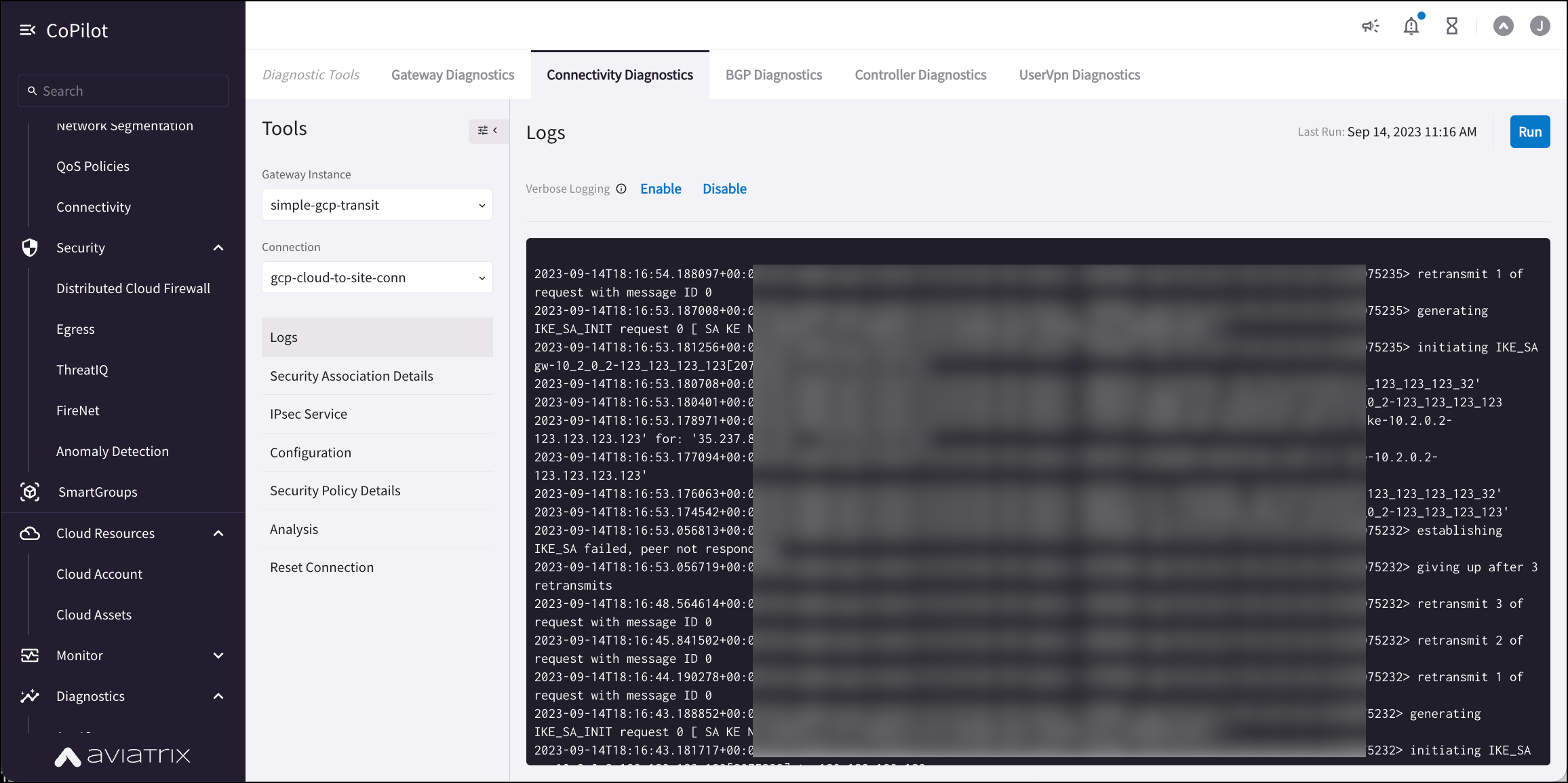
Troubleshoot the keyword in the Diagnostics Action “Show logs”
- Go to Diagnostics > Diagnostic Tools > Connectivity Diagnostics.
- Select the Gateway Instance and the related Connection.
- Select Logs in the Tools list.
- (optional) Enable or disable verbose logging.
-
Click Run. The screen displays the related logs. You can copy the results
to the clipboard.